Three files with different jobs
To open your Canva template, read the access document you received, follow its private link, and confirm that you can edit a personal working copy. The access document is not your finished newspaper. It may be a PDF when that is the actual delivered format, but do not assume every purchase or language uses a PDF. Start with the instructions for your order rather than searching for an imagined download.
Keep three things separate: the received document provides access; your Canva copy holds your photographs and stories; the finished PDF is for reading or printing. Save the access document in your project folder. Sending that document to a print shop will not show the shop your personalized pages. Before asking anyone to review the design, check which of these three objects you are about to share.
Check the account and the template
Sign in with the Canva account you intend to use throughout the project. If you use different accounts on your phone and computer, check the account before making changes. Then inspect the template’s written language and page count. An English storefront or English editor interface does not automatically translate a French template. Compare what opens with the product you selected.
If you only see a preview or a permission request, you have not yet confirmed an editable workspace. Return to the access instructions instead of requesting permission at random. An organization account may have its own restrictions. Never give someone your password to resolve access, and do not accept an upgrade prompt until you understand which action or element caused it. Keep the exact message for troubleshooting.
A decision tree you can reuse
Copy this diagnostic into your notes. No access document: check the delivery location described in the order and confirm the purchase. Document available but link will not open: record the error, then try a browser signed in to the intended account. Template visible but not editable: check that the access flow leads to a usable copy rather than a preview. Editable copy: rename it, change one short test line, and reopen it to confirm you can find the same work.
Fictional example: Maya opens the template on a computer, then switches to a phone using a different account. She checks where her copy lives before rebuilding the newspaper. This separates an account mismatch from lost work. Command labels and locations can vary by editor version and device; use the instructions currently shown in your workspace.
Share the result, keep the access private
Keep the purchased access link in your private project folder. For family feedback, decide what the person needs: a page excerpt, a reading file, or access to a copy. Check recipients and permissions before sharing. A link that opens a purchased template does not belong on a public page or in an open discussion group.
Canva’s download help distinguishes PDF Standard from the print-oriented PDF Print option. Choosing PDF Print does not guarantee acceptance by your chosen printer. Confirm dimensions, page count, and required options before exporting. Do not automatically enable crop marks or bleed. Open the downloaded file and check that it contains your own text and images rather than the original examples. The public printing checklist in the sources covers the broader handoff.
Report a blockage without exposing family data
Prepare a support note with the purchased product, order date, device, browser or app, blocked step, exact error, and whether the account is personal or organization-managed. Include a screenshot that hides private details; do not post the access document publicly. Use the order reference requested by the seller in a private support exchange to identify your purchase.
List what you have already tried and whether the problem repeats with the intended account. This helps separate a missing document from an account issue or an opening error. Until access is confirmed, avoid starting over in a file that may be the wrong one. Once your working copy is usable, the existing photo-and-story preparation guide in the sources helps you move on to the content.
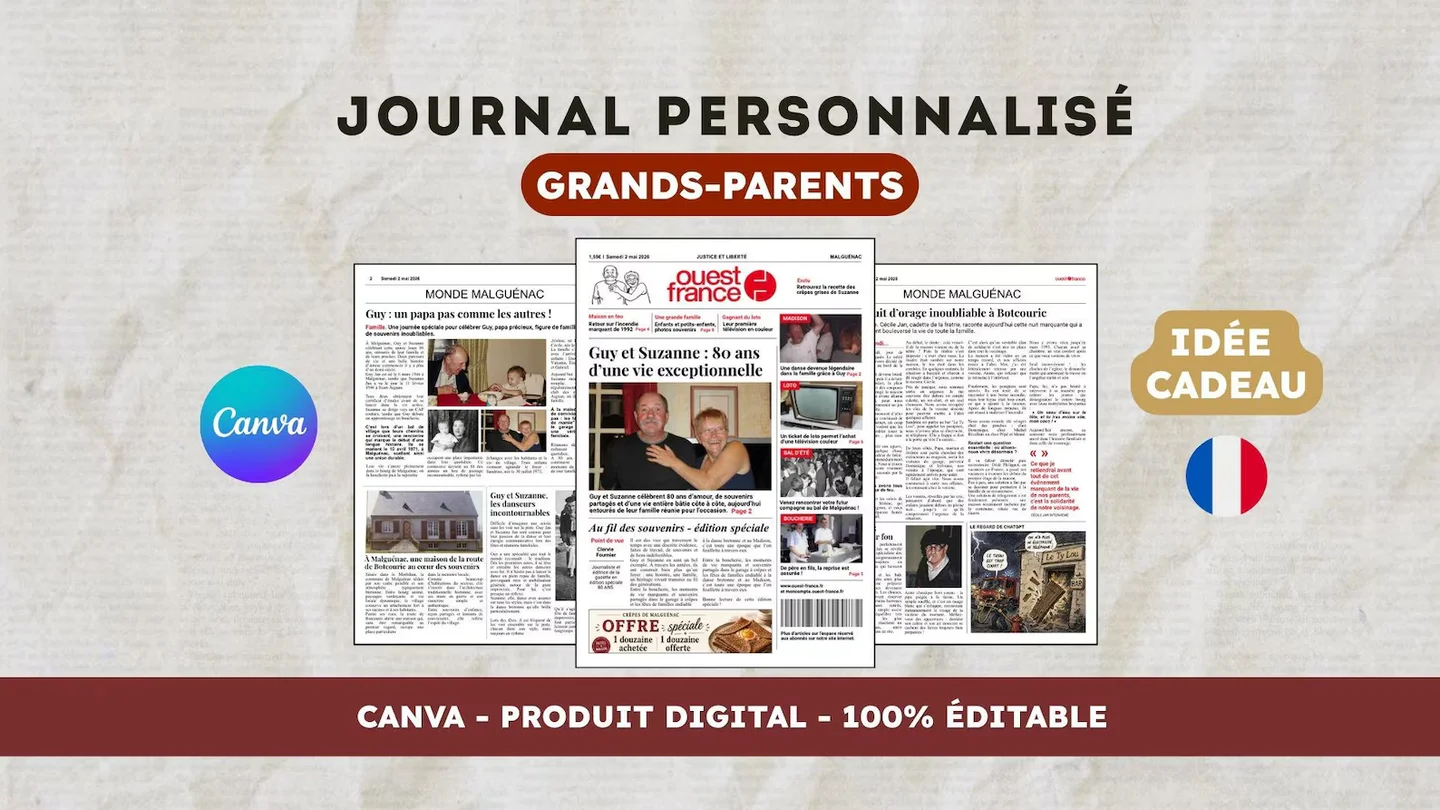
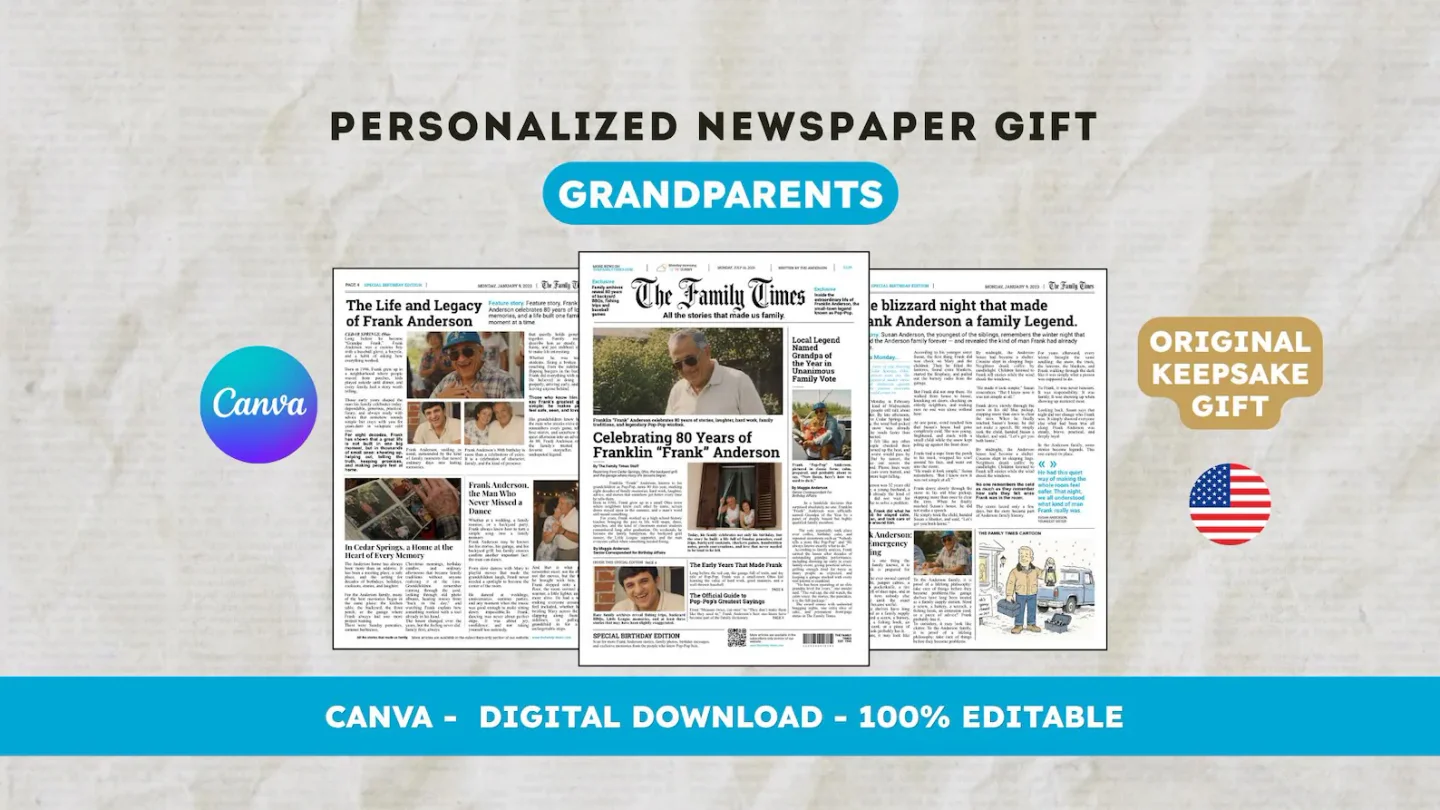
For an English layout, view the 22routes The 80th birthday newspaper, a 12-page digital Canva template. Check its actual preview and editable age and occasion labels first; consider changing them only if the design fits your intended project. The grandparents template starts in French. Printing and shipping a paper newspaper are arranged separately. Product pages appear in the sources so you can check the template language.
Frequently asked questions
01Is the access document the newspaper I should print?
No. It provides access to the template. Personalize your Canva copy, then export the finished newspaper according to your printer’s requirements.
02What should I send if the template will not open?
State the step, exact error, device, and account type. Share the order reference privately with the seller; keep passwords and access links out of public spaces.
Have another newspaper in mind?
Suggest the title. We’ll email you if a template becomes available.