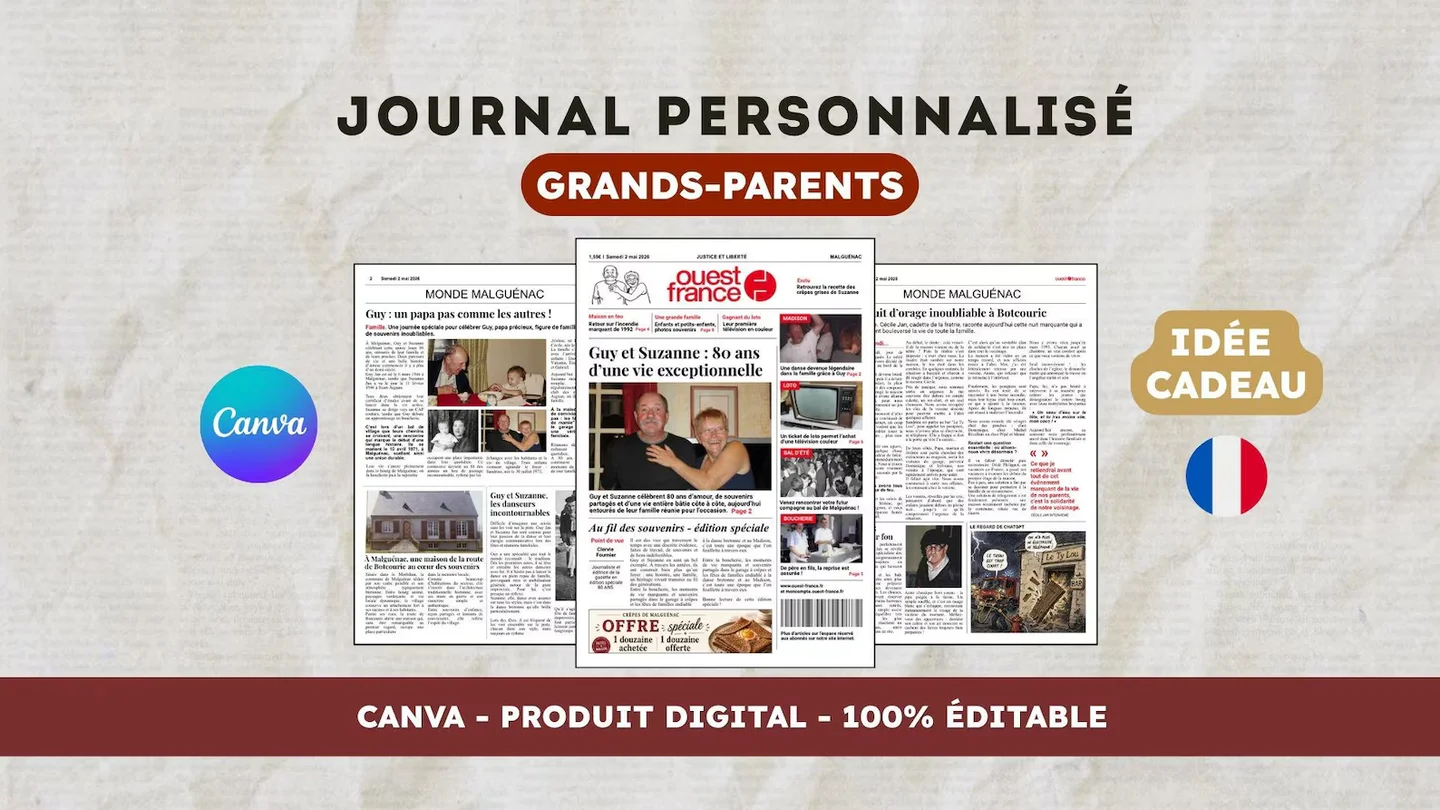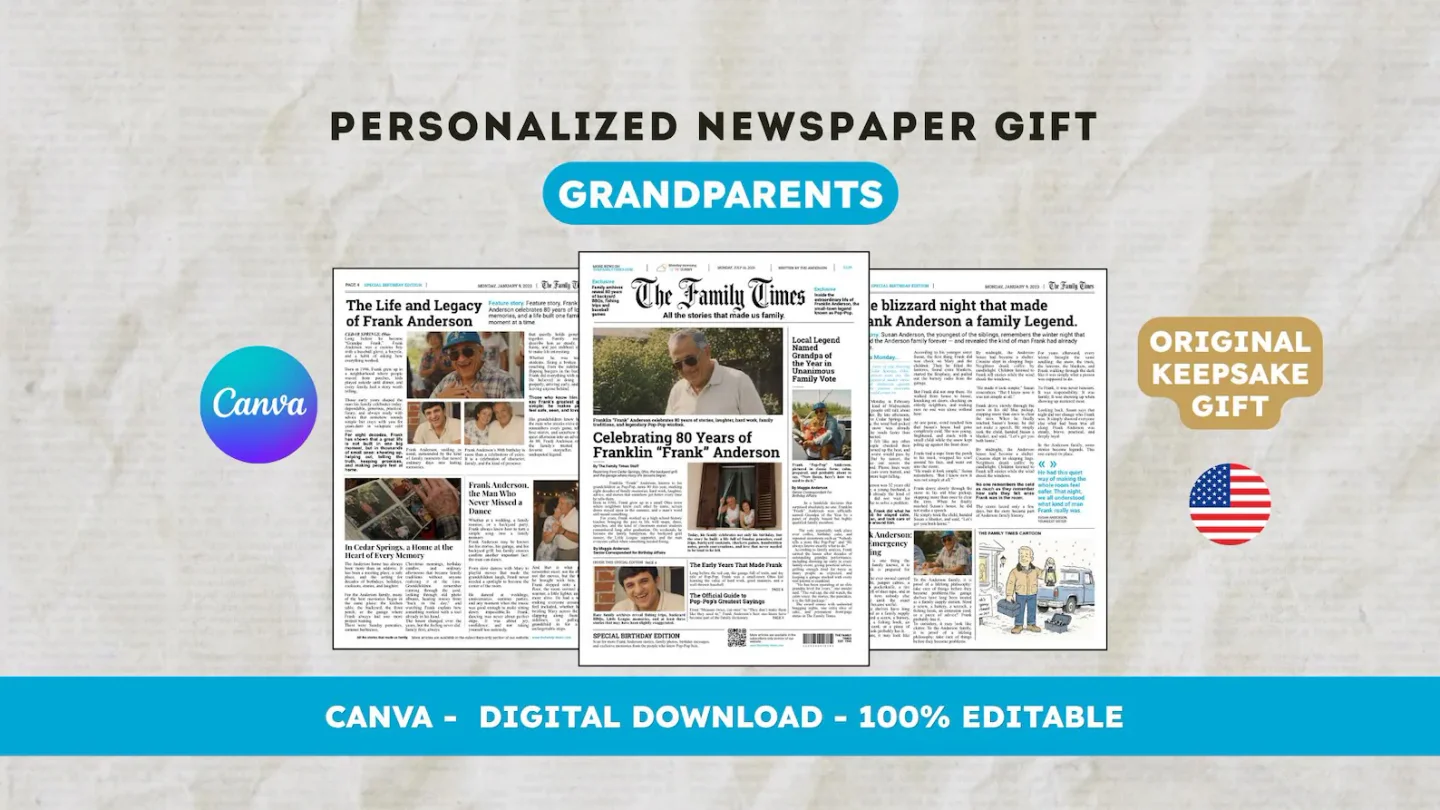
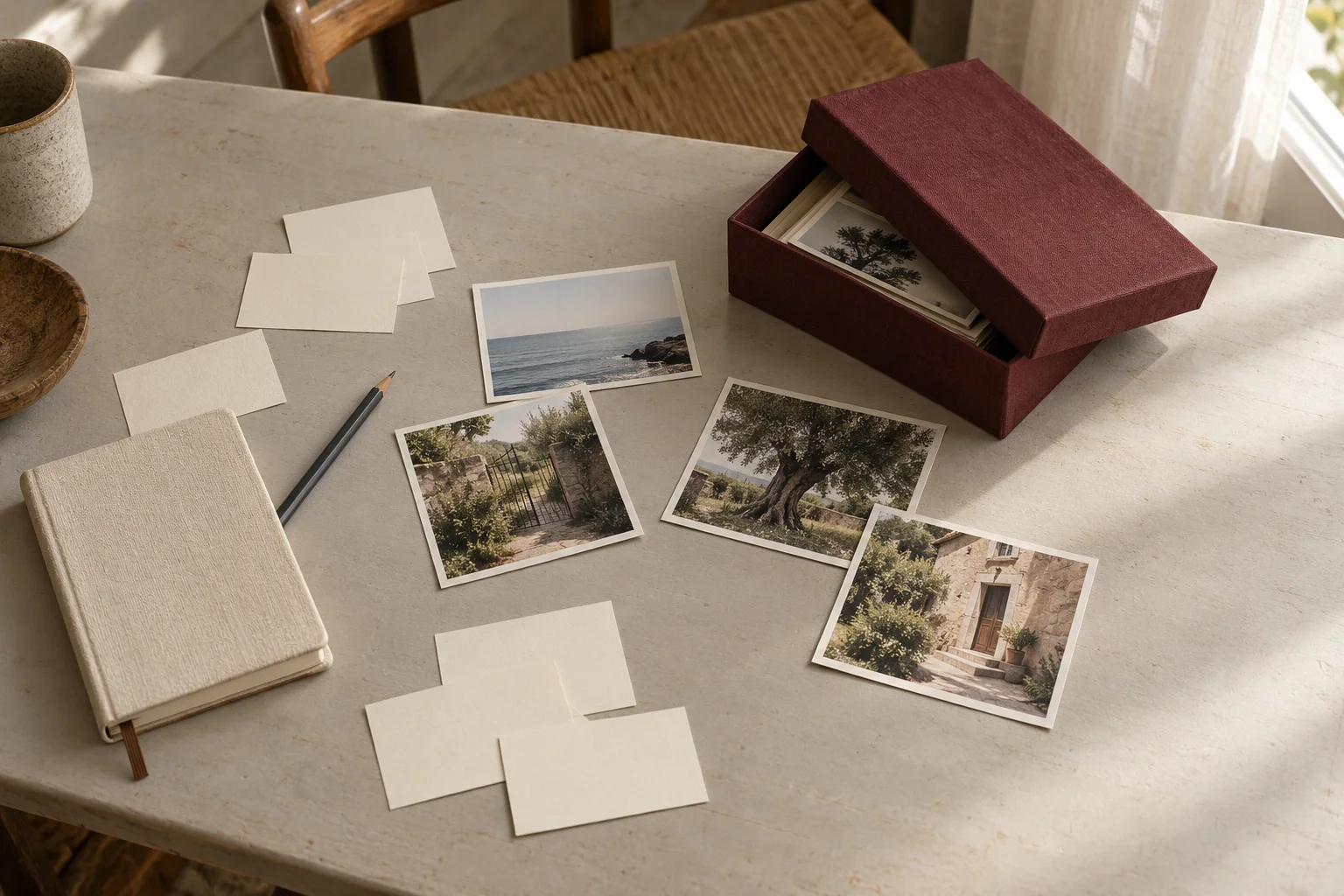
Decide what the front page should communicate
A family newspaper front-page photo should make the subject recognizable and support the headline. The best candidate is not automatically the newest or most polished photograph. Choose an image that represents the person, couple, or memory the page announces, then check it in the template’s actual image space.
First write a decision sentence: “The cover introduces Jane today” or “The cover recalls Sunday family dinners.” These examples are fictional. The first favors a recognizable portrait; the second may favor a group scene. Without that decision, you may compare pictures that solve different problems and choose only by appearance. Keep the sentence visible while you make your shortlist.
Compare three candidates in a simple grid
Gather three candidates and compare the same criteria: recognition, details to preserve, room to crop, and space for the headline. Write observations rather than assigning a score that claims to measure a memory’s value. Four short lines per picture are enough to make the comparison usable before editing.
A fictional grid might read: “A, garden portrait: Jane recognizable; hands near edge; quiet background; title could sit above. B, family dinner: strong context; several faces; tight crop; busy headline area. C, older portrait: relevant memory; small file; open background; placement size needs checking.” The grid does not automatically produce a winner. It tells you what to test on the page and where a candidate may fail.
Identify the details that must remain
List what must stay visible in each candidate: a face, another person, a hand holding an object, or a detail that explains the story. An attractive crop can still remove the reason for choosing the photograph. Canva’s documentation distinguishes cropping, which changes the visible portion, from resizing, which changes dimensions.
Test the photograph in its frame without stretching its shape to fill the space. If the layout cuts an essential detail, try another candidate or place this image inside the newspaper instead. Also check anything meant to remain private. Cropping in Canva does not reliably remove it: an original image may remain extractable from the exported PDF even when part of it is hidden on the page.
Test the headline on the actual page
Use the real headline during the trial. Empty space in a picture is no help when the intended headline is longer or sits elsewhere. Check whether the letters remain readable and whether they cover a face. Avoid approving the image on its own and discovering later that it competes with other front-page elements.
Copy this fictional test record: “Selected photo: A. Headline: Jane’s Sunday Table. Keep visible: hands and rosebush. Fix: headline too close to the edge. Other use for B: dinner story.” Keep the headline size the same between early trials so you can compare pictures fairly. Make further changes after choosing a composition that works with the intended headline.
Approve the picture in context
View the whole page near its intended reading size, then inspect the exported file. Check recognition, headline readability, margins, and important details. Canva’s help advises keeping essential elements inside the margin area; bleed and crop-mark decisions depend on the requirements of the printer you choose.
A picture that works when enlarged on screen still needs a check at its intended size. If possible, ask a relative to read the headline and identify the subject without an explanation. The English 22routes 80th birthday template includes 12 digital Canva pages; printing is separate. The public guides below cover preparing the remaining pages and checking the file before it goes to a printer.
Frequently asked questions
01Does the front page need a recent portrait?
No. Choose according to what the cover announces. An older portrait can suit a page centered on a memory when its context is clear. Check recognition, crop, and intended placement size.
02What if the headline covers a face?
Try another candidate or adjust the composition within the template. Do not sacrifice a face essential to the story merely to fill space. Save the group picture for an inside page if it works better there.
Have another newspaper in mind?
Suggest the title. We’ll email you if a template becomes available.