Pixels and print size measure different things
To check a photograph’s resolution for printing, record its pixel dimensions and the size it will occupy on the page. A file does not gain detail because you display it larger. Effective resolution depends on how many pixels are spread across that printed width and height.
This calculation concerns image pixels per inch, usually written as PPI. DPI may also refer to dots produced by a printing device, so do not confuse its settings with the pixels actually available in a photograph. A sharp but small image and a large image that is already blurry need different decisions. Inspect the picture itself as well as its dimensions before deciding that a number makes it suitable.
An illustrative calculation you can repeat
Here is an illustrative example: an image 1,200 pixels wide placed at 4 inches gives 1,200 ÷ 4 = 300 pixels per inch. Place the same file at 8 inches wide and the result is 150 pixels per inch. These are example dimensions, not the dimensions of a 22routes template or a required page format.
Copy these fields into a calculation record: pixel width, printed width in inches, pixel width divided by printed width, and the same calculation for height. For measurements in centimeters, divide by 2.54 to get inches first. If the image is cropped, use the pixels retained in the portion being placed. A calculation based on the entire source file can be misleading after a substantial crop.
Ask the printer for its target
Ask the printer which image resolution it expects for your selected printing process, format, and paper. Do not automatically apply 300 to every job. A provider’s target applies to its service and conditions; it does not establish that every image above that number will look sharp.
Make the request specific: “For this newspaper and this image placement size, what effective resolution do you recommend? Can you check this photograph in the PDF?” This is a suggested question, not a printer’s answer. Newspaper Club’s guidance illustrates why requirements and checks belong to the chosen service. It does not guarantee that an unchanged 12-page 22routes file fits every format that provider offers.
Reduce the placement when needed
If the confirmed target is not met, try a smaller placement, another source of the same photograph, or a different picture. Reducing printed width spreads the pixels over fewer inches, improving the calculation without creating detail. It cannot repair blur already present in the source image.
Return to the illustrative example: if your printer requires 300 pixels per inch for this particular job, 1,200 pixels supports a calculated width of 4 inches under that condition. If that placement is too small to recognize the faces, choose another layout. Record “Small inset with caption” or “Request another capture.” A meaningful memory does not become more readable by turning an unsuitable photograph into a large image.
Check the file without promising recovered detail
Changing a resolution number, enlarging the preview, or choosing PDF Print does not recover missing source detail. Canva’s help describes PDF Print as its print-oriented PDF option; some export settings depend on the account plan. Check your account’s options and the provider’s requirements instead of assuming a universal export setting.
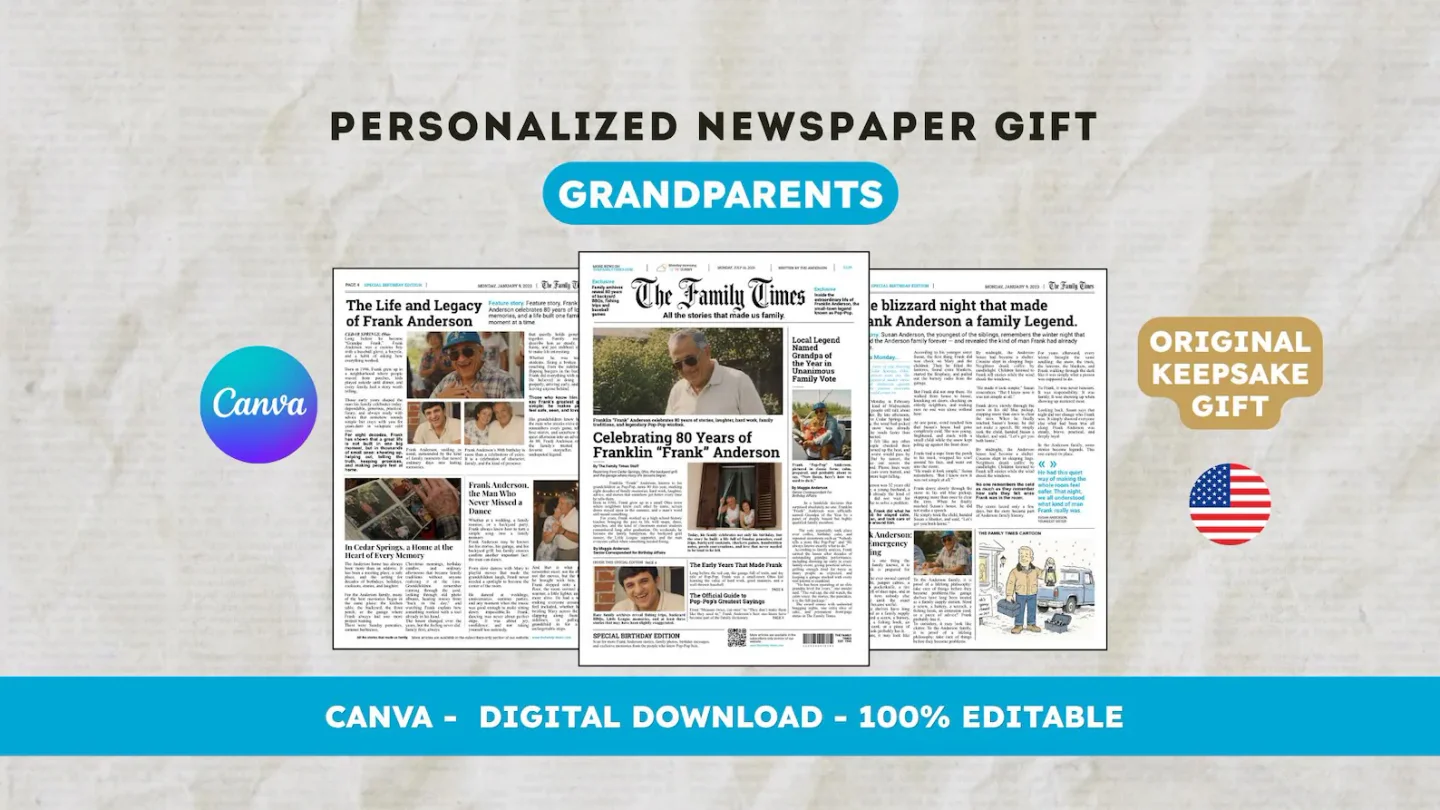
Open the downloaded PDF and inspect the image at its intended size. When possible, have a proof checked before placing an order. The English 22routes 80th birthday template contains 12 digital Canva pages; printing and shipping are separate. The public guides below cover preparation and general file checks, while your calculation record keeps the decision specific to this photograph and its intended use.
Frequently asked questions
01What photo resolution should you use for printing?
The target depends on the printer and the selected job. Calculate available pixels per inch at the intended size, then compare that result with its requirements. Check visible blur too; a sufficient number does not guarantee a sharp photograph.
02Is 300 DPI enough for a good print?
It is not a universal guarantee. If the printer requests 300 image pixels per inch for this job, check effective resolution at the size used. Source sharpness, cropping, and printing conditions still need review.
Have another newspaper in mind?
Suggest the title. We’ll email you if a template becomes available.