Test reading order, not printer imposition
To check a twelve-page booklet’s order, make a small paper dummy and number it in reading order. Use it to locate the cover, facing pages, and back page. It does not automatically tell you how to arrange the printer’s production file. That technical arrangement depends on the selected manufacturing method and the printer’s instructions, not just on page count.
Separate three things: the sequence the recipient reads, pages that face each other when the booklet opens, and imposed sheets used for manufacturing. A sensible reading sequence may require a different arrangement on printed sheets. Keep the source PDF in its current order until the printer explains which type of file they need. Do not reorder a finished design by guesswork.
Make a twelve-page dummy
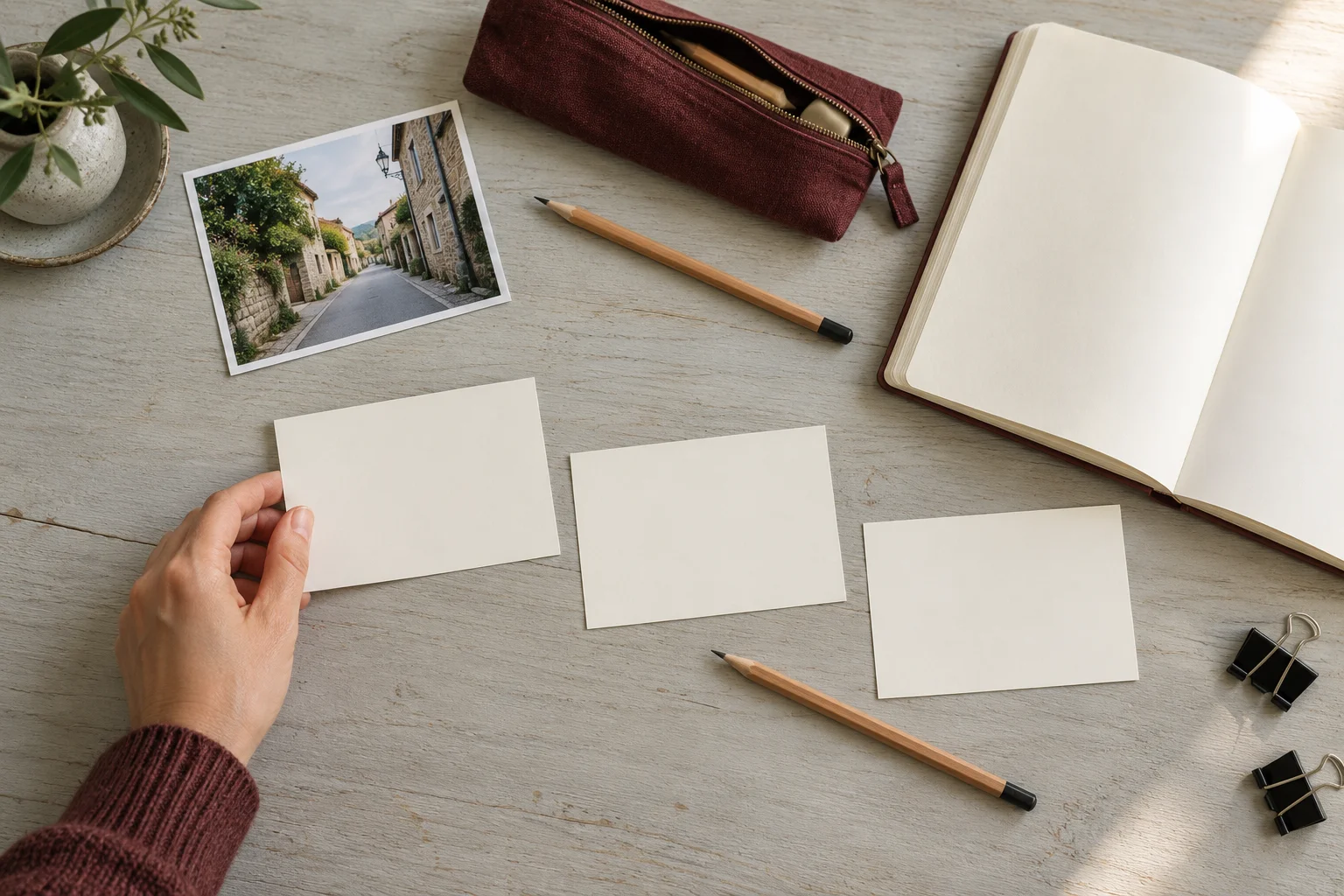
Take three equal-size scrap sheets. Fold each in half, nest them, and align the folds. This simple dummy gives you twelve reading faces. The scrap paper represents the content; it does not reproduce the newspaper’s final size, stock, or commercial binding. Work with blank sheets rather than cutting original family photos or using a finished print you want to keep.
Close the dummy and write 1 on the front. Open it like a small book and number each following face through 12 on the back. Do not number flat sheets before folding: the purpose is to observe the reading sequence. Add a “top” arrow on every face so you can distinguish an order problem from an upside-down page.
Put the content plan on each face
Write a short content label on each dummy page. Use your real newspaper plan or the fictional sequence below to practice. Include captions and the back page. If a page is blank, say whether that is intentional; otherwise a gap can disappear into an unlabeled sketch. You can move story labels while leaving the actual Canva document untouched.
Fictional example: page 1, front page; pages 2 and 3, introduction and childhood; pages 4 and 5, two memories; pages 6 and 7, main story and photographs; pages 8 and 9, messages and short features; pages 10 and 11, recent memories and closing story; page 12, back page. This illustrates a reading sequence, not required template content or a printing layout.
Open each spread and check the connections
Read the dummy’s labels in order. Check that a story starts before its continuation, a caption stays with its photograph, and a headline does not appear to belong to the facing page. Look at pages 6 and 7 together in the center. Holding the spread can reveal repetition or an abrupt transition that separate screen thumbnails make harder to notice.
Record corrections separately: page, problem, and decision. Moving a feature is an editorial choice; arranging production sheets is imposition. If you unfold the dummy to inspect its faces, do not turn the resulting pairs into universal PDF instructions. Your printer may use a different workflow, and the final binding may differ from this simple folded demonstration.
Confirm the required file with the printer
Ask, “Do you want twelve individual pages in reading order or an already imposed file? Are the covers included?” Confirm the accepted format as well. Newspaper Club’s format-specific requirements show why twelve pages should not be assumed to fit every service. Get a written answer before changing the arrangement of the final PDF.
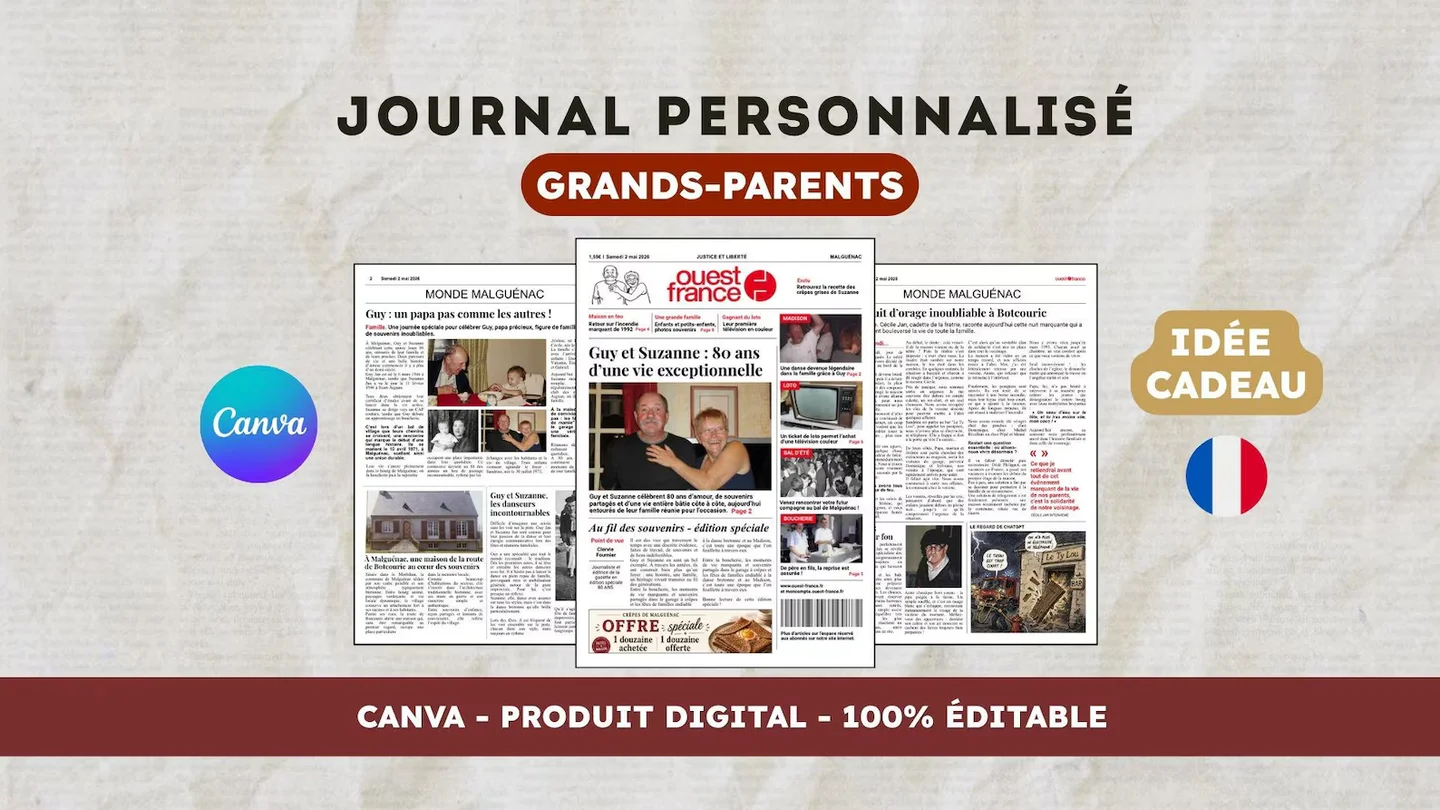
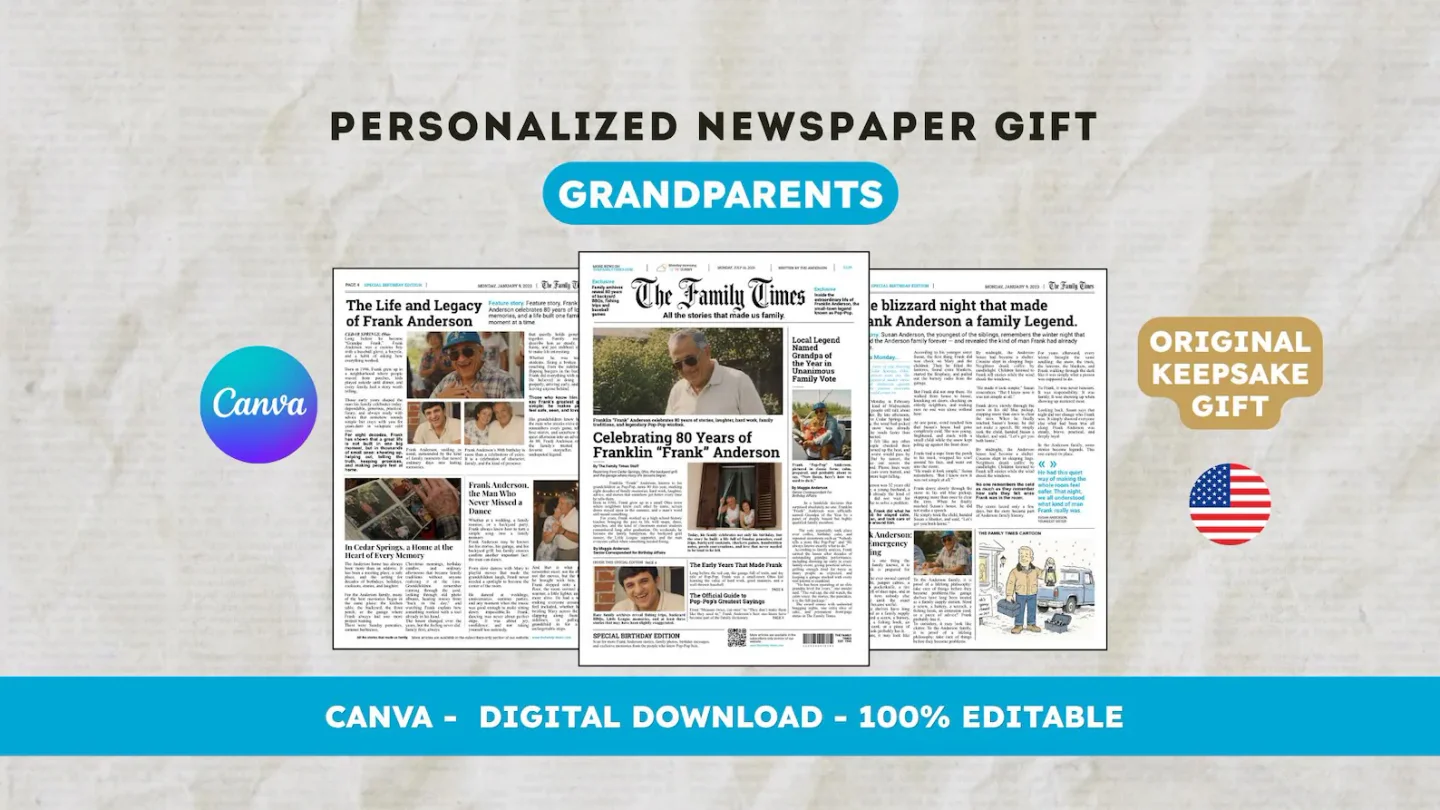
For an English layout, view the 22routes The 80th birthday newspaper, a twelve-page digital Canva template. Check its actual preview and editable age and occasion labels first; consider changing them only if the design fits your intended project. Printing is arranged separately.
Frequently asked questions
01Should I reorder Canva pages after this test?
Only if the reading plan needs an editorial correction. Do not rearrange pages to match the dummy’s unfolded sheets without printer instructions. The printer may expect individual pages and handle imposition themselves.
02Does the dummy validate duplex printing?
No. It checks sequence and facing pages. Reverse-side orientation depends on the driver, paper loading, and selected mode. Run a separate small test on the actual machine before printing the full run.
Have another newspaper in mind?
Suggest the title. We’ll email you if a template becomes available.