Choose how the pages should turn
To test duplex orientation, prepare two test pages with a clear “top” mark, then use no more than two sheets to compare results. The correct setting keeps the reverse readable when you turn the sheet the intended way. This checks orientation; it does not solve the complete page order or imposition of a folded booklet.
First decide whether the page should turn sideways like a book or lift upward like a notepad. Record portrait or landscape orientation too. “Long edge” and “short edge” describe the driver’s available turning options, but you should test the choice in your actual setup. Avoid treating either option as correct for every device and document orientation.
Prepare two unmistakable test pages
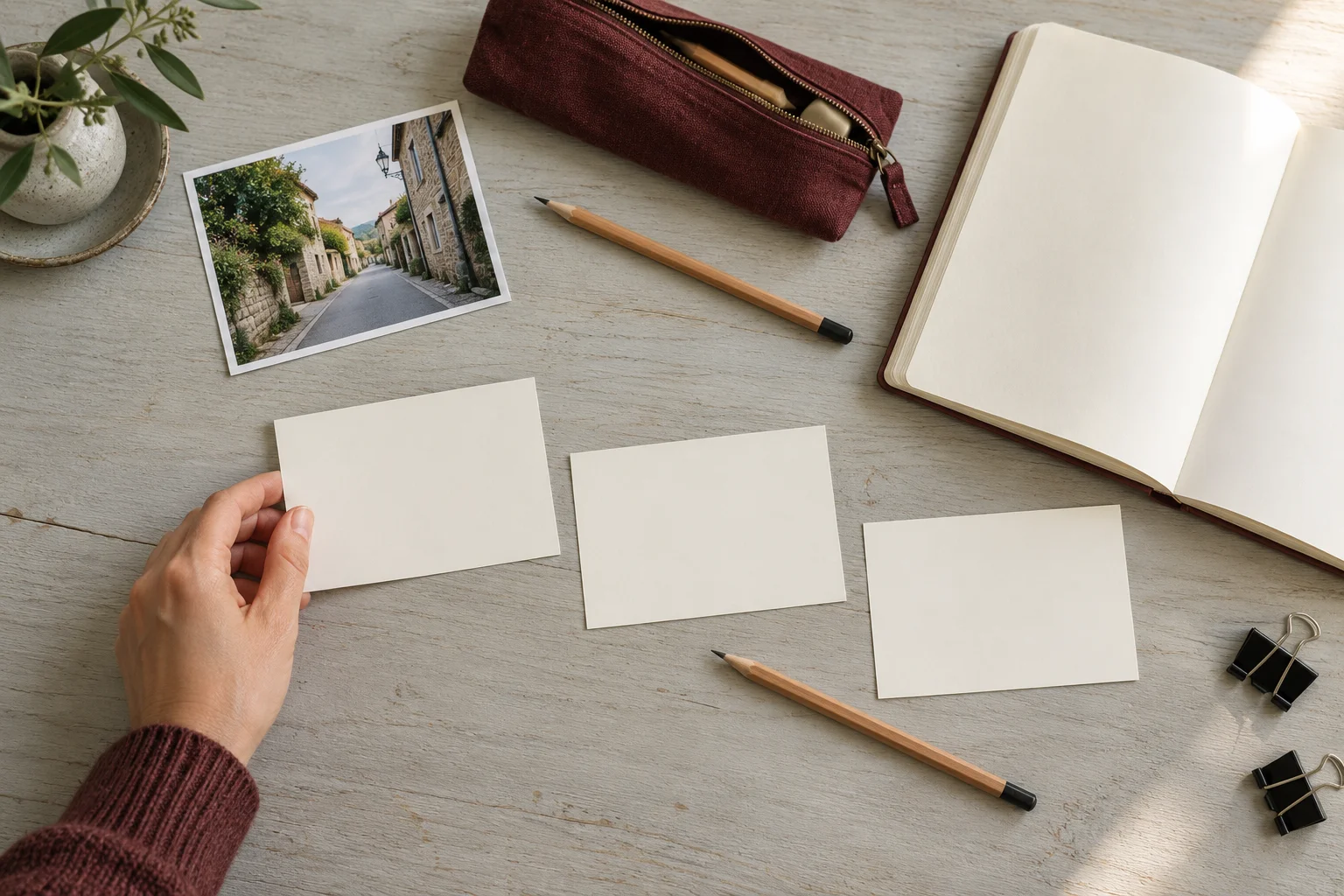
Make a small test document separate from the newspaper. On page one, write “A: FRONT,” a large upward arrow, and “top-left corner.” On page two, write “B: BACK” with the same marks. Use dummy content without private photographs so you can keep or discard the tests freely. Keep labels large enough to read without inspecting fine print.
Print just those two pages on the first sheet using the setting you want to test. Record the printer, application, orientation, and duplex option. Keep the other controls unchanged. If you change multiple settings at once, a successful result will not tell you which change fixed the problem, and it will be harder to repeat on the actual newspaper.
Read the result and use the second sheet
Hold side A upright. Turn the sheet using the motion selected in the first step, without rotating it afterward to make the result look right. The B arrow should point upward and the labeled corner should be where expected. If the reverse is upside down, record the result before changing the turning option. Check both sides rather than judging from the front alone.
Use the second sheet to try the other available option, keeping the document and orientation unchanged. Fictional log: “Test 1: reverse upside down; test 2: reverse upright after switching the turning edge.” This illustrates the method, not a prediction about your printer’s setting. Keep the successful sheet beside the record until you have completed the final printing.
For manual duplex, check paper loading
If the device prints fronts first and asks you to reload the sheets, consult its own documentation. The face to load and the edge to insert vary with the paper path. Do not copy loading directions for a different model. The A and B marks help you observe the path rather than relying on memory or an unverified diagram.
A pencil mark on a corner of scrap paper can help identify how a sheet enters and exits. Follow the manufacturer’s guidance for previously printed sheets and accepted stock. If a sheet jams or you cannot determine the loading direction, stop before using the final paper. A successful automatic-duplex test also does not establish the correct procedure for manual refeeding.
Keep the tested setting and check the newspaper
Keep a short record: device, application, orientation, turning option, and result. Repeat the test when changing the application or printer. Then check the newspaper’s page order and scale separately. An upright reverse does not guarantee the correct sequence or dimensions, and a test on ordinary paper does not validate every stock the machine can use.
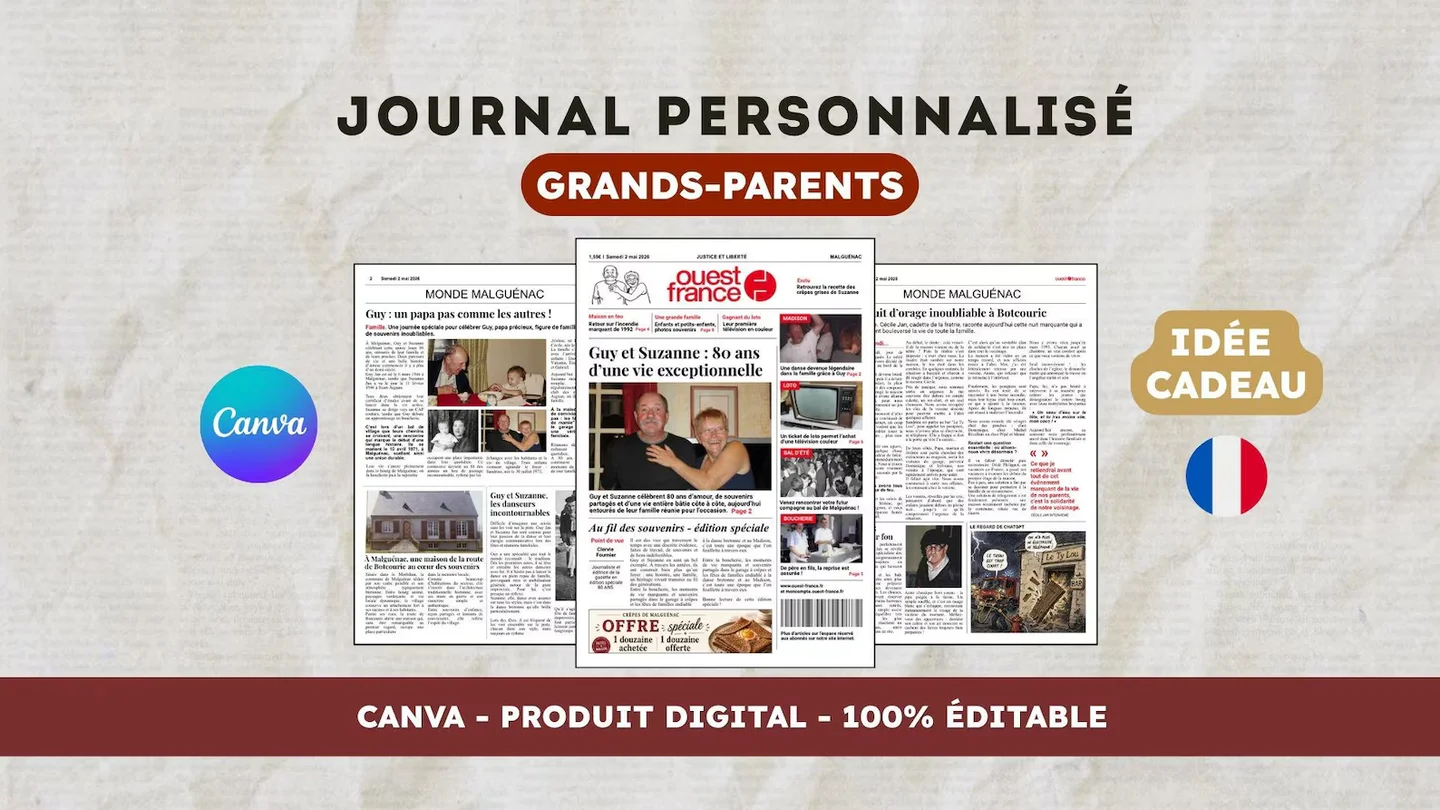
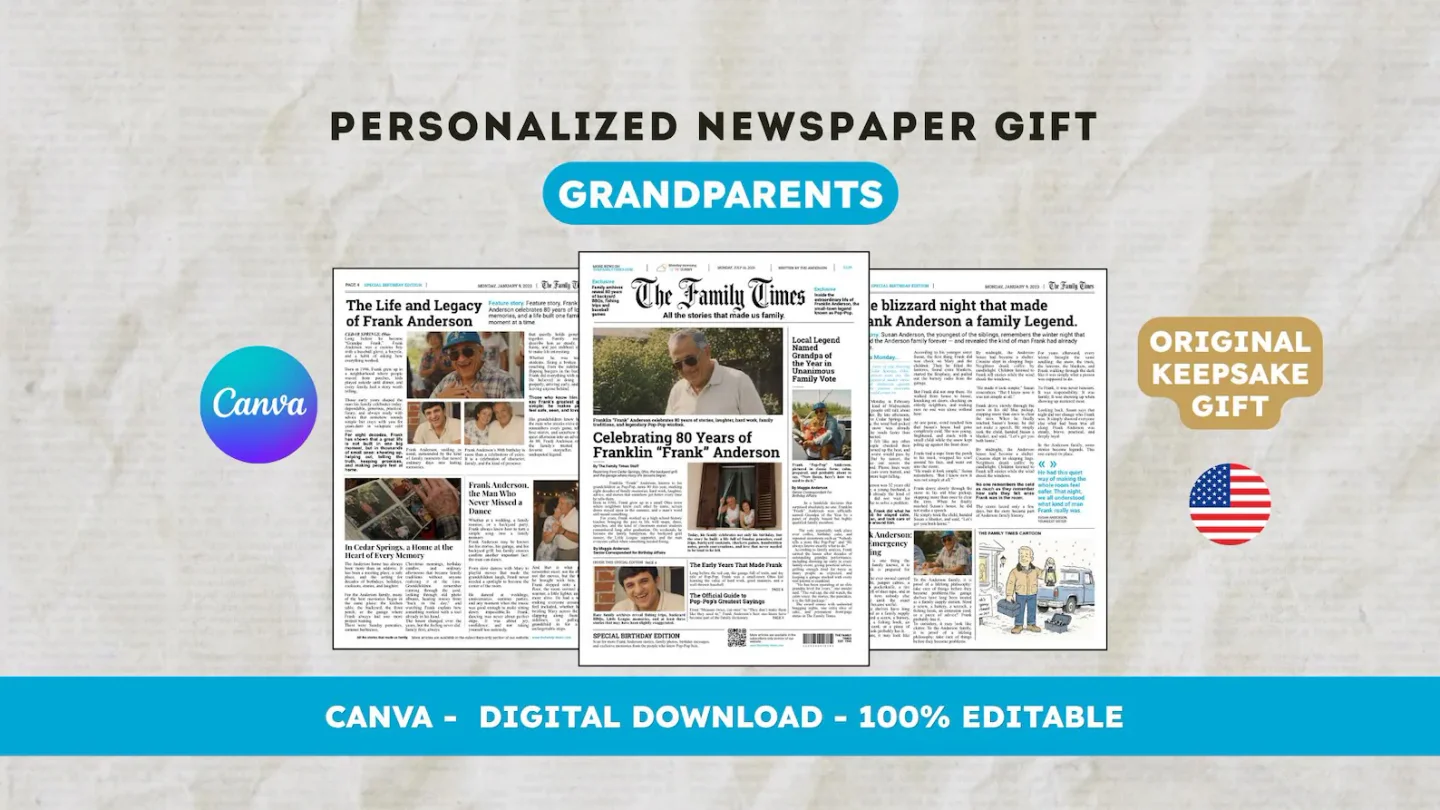
For an English layout, view the 22routes The 80th birthday newspaper, a twelve-page digital Canva template. Check its actual preview and editable age and occasion labels first; consider changing them only if the design fits your intended project. Printing is arranged separately.
Frequently asked questions
01Does Canva determine the duplex turning edge?
The test checks the setting available in the application or driver printing the file. Export the document, then inspect that setup’s options. Menu labels can vary; the marked test sheet checks the actual result.
02Does a two-page test validate the whole booklet?
It lets you observe reverse-side orientation in that setup, but it does not validate the whole booklet. Check sequence, facing pages, dimensions, and the final PDF’s content before printing multiple copies.
Have another newspaper in mind?
Suggest the title. We’ll email you if a template becomes available.