Start with reading conditions
Judge readability at the finished size, with the reader in mind. Before adjusting type, ask how the gift will be read: at a table, in an armchair, as a PDF on a tablet, or together during a party. Those situations involve different tradeoffs. Do not choose a text size simply because it makes everything fit in a Canva box.
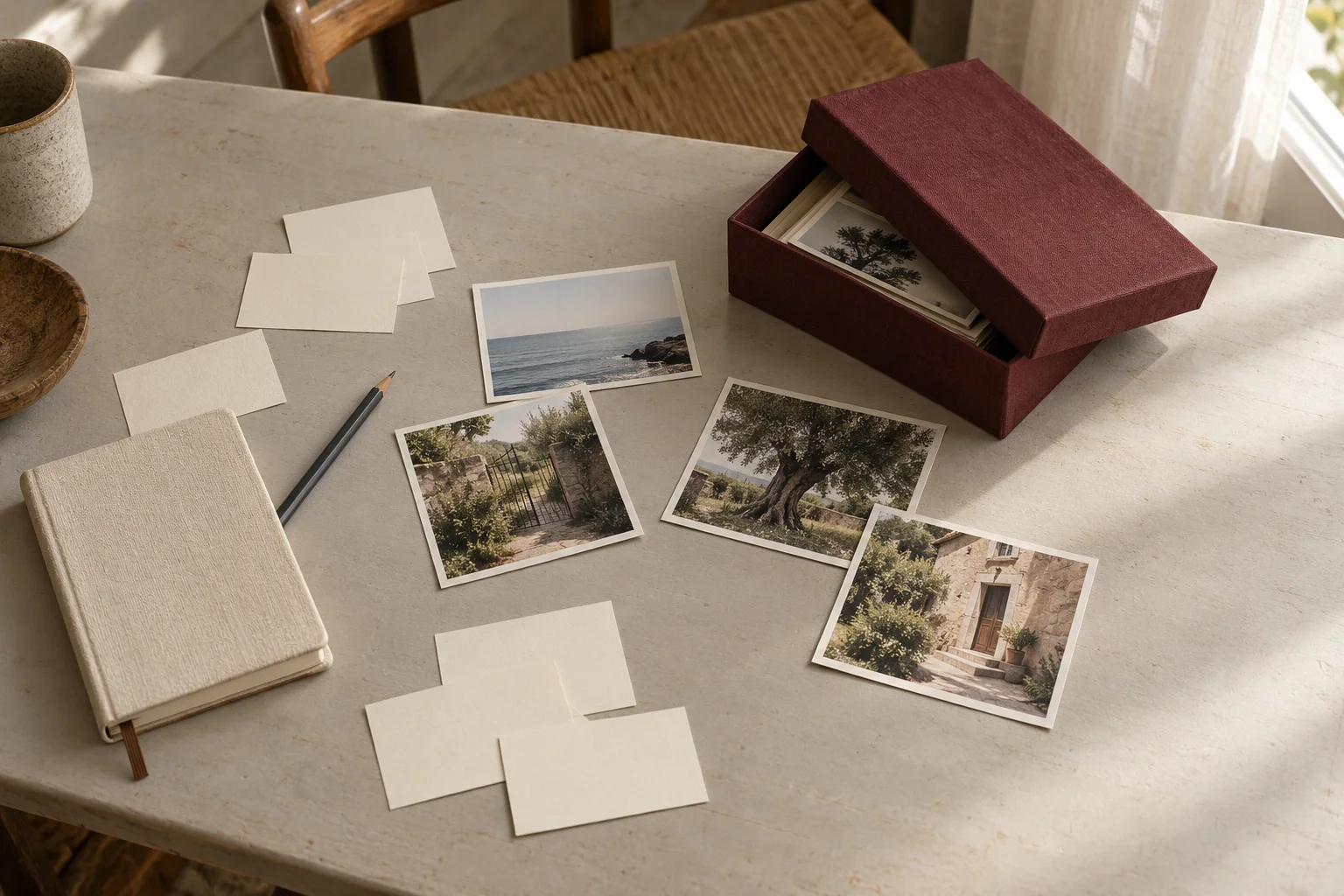
Prepare a test page with a heading, a caption, and your densest paragraph. Keep the words the same in two layout versions so you can compare design choices. A preference observed in your relative helps you decide; it does not show that the newspaper suits every older adult or every visual condition.
Run a real-size check
For print, check that the test preserves the intended dimensions: a fit-to-paper setting may change size. Measure the page instead of relying entirely on the preview. For a digital edition, open the PDF on the intended device and check what the reader sees without constant adjustments.
Ask the reader to read the smallest text, locate a name in the caption, and move to the next paragraph. Note where reading stalls: tiny lettering, an overly long line, or a section that is hard to find. If the test is uncomfortable, enlarge the text and reduce the content. Repeat with the exported file, because that is what the person will read.
- Test date and version: record them.
- Actual size checked: yes or revise.
- Body text, caption, and navigation: try each.
- Chosen change: export again and compare.
Separate text from busy backgrounds
Start with dark text on a plain light background, then test the result. A photograph can change dramatically within one line: words visible against the sky may disappear against trees. Put the paragraph beside the image in a stable area instead.
Check thin letterforms, long italic passages, and faint captions too. In this fictional example, Nancy prefers a dark caption below the photograph to a white sentence across the garden. Keep the photograph and move the caption. This choice responds to her reading test; it is neither WCAG certification of the PDF nor medical advice. Do not describe a page as accessible solely because its colors look clear on your own screen.
Make tradeoffs on a crowded page
When text overflows, first remove repeated information. Keep the main scene, useful names, and the point the contributor wants to convey. Move a second memory to another section if the structure allows. Avoid shrinking type, line spacing, and margins all at once; you will not know which change helped or hurt.
Use this grid to select one intervention, then compare before and after with the same reader. If a cut changes a story’s meaning or a quotation, get the revised passage approved. A page with more breathing room does not need another decoration to occupy every gap.
- Dense paragraph: cut repetition before shrinking type.
- Long caption: keep useful identification and context.
- Photo background: move text onto a plain area.
- Too many sections: remove the least useful one.
Decide with the reader, then export
For a surprise, discreetly test a neutral page with someone who knows the recipient’s reading habits. That remains an imperfect substitute for the reader’s own feedback. Do not infer preferences from age: one person may want large photographs while another mainly wants the stories.
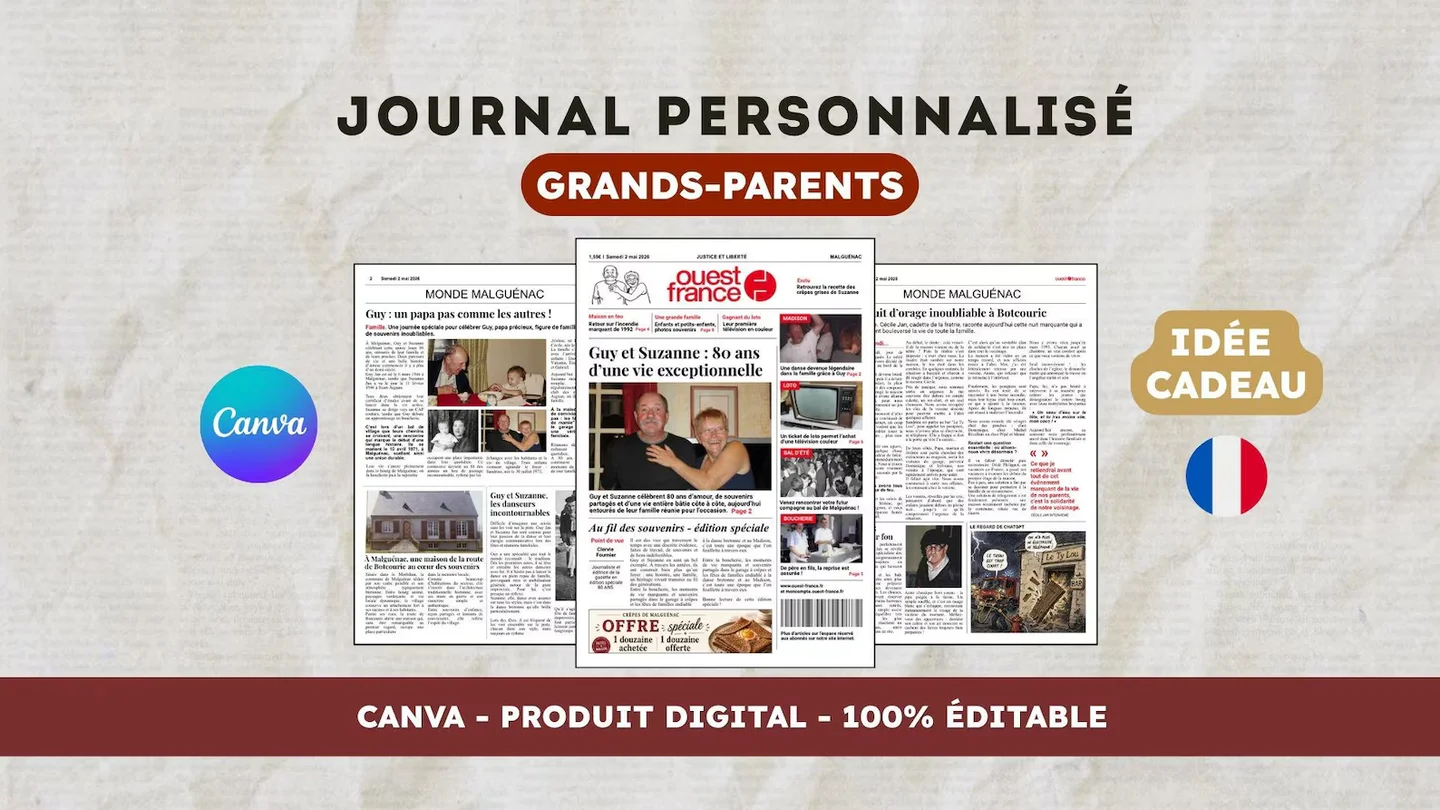
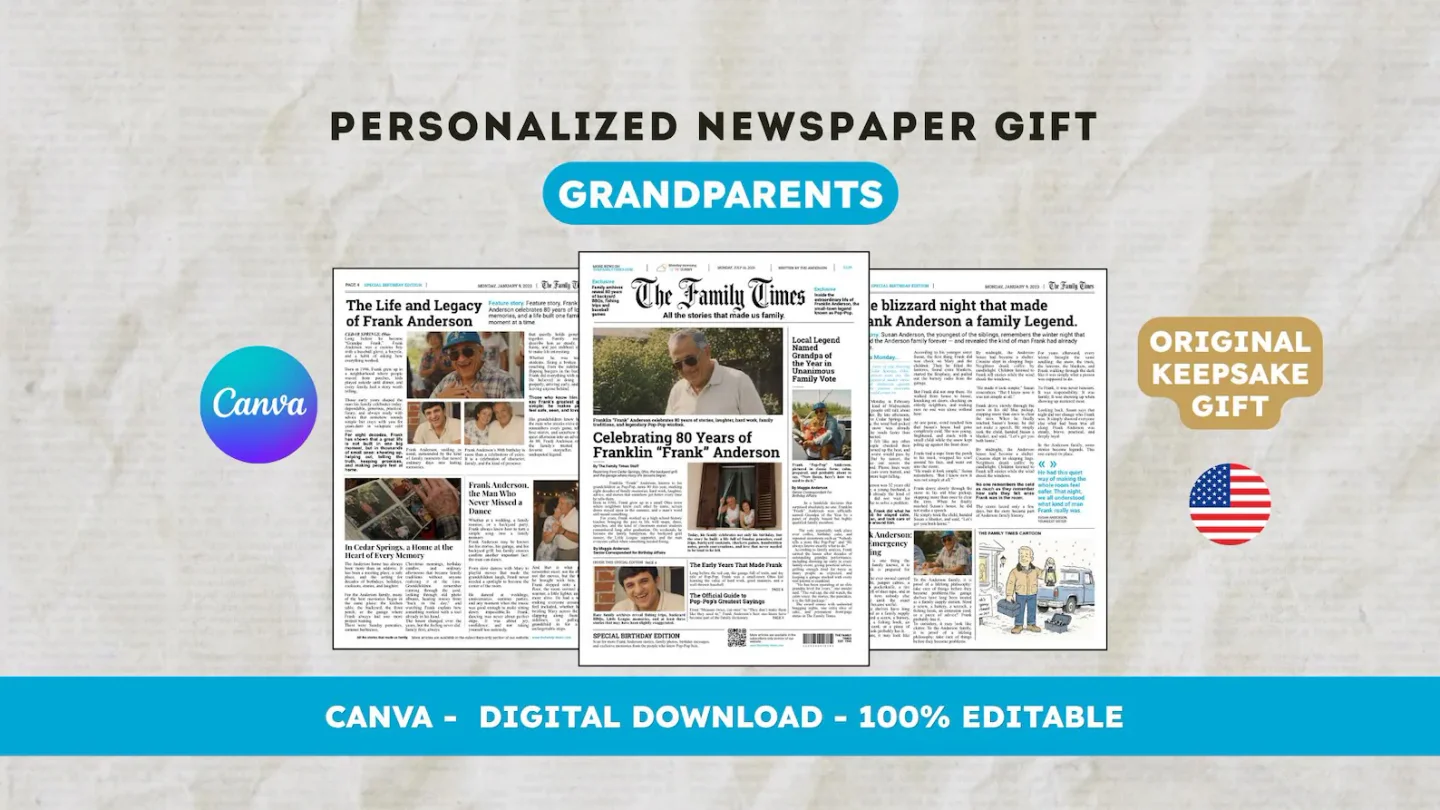
Check the final PDF and, where possible, a printed proof. The existing 22routes printing guide in the sources helps with that step. The English-language digital template has 12 pages to personalize in Canva; printing is separate. Choose the template for its structure, then adapt text volume to the real test rather than promising universal reading comfort.
Frequently asked questions
01What font size should I choose?
No single size suits every reader and format. Test body text and captions at the finished size, then adjust using the reader’s feedback.
02Should I shrink type to fit everything?
Cut or move secondary material first. After each change, check the PDF at its actual size rather than only the editing screen.
Have another newspaper in mind?
Suggest the title. We’ll email you if a template becomes available.